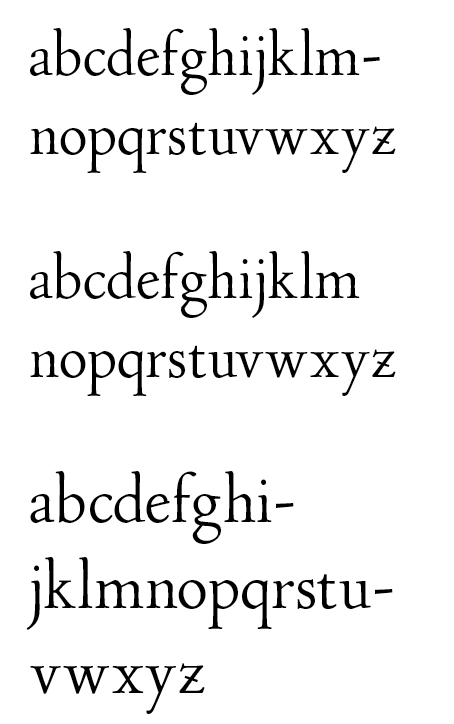
I don't know what it is about alphabetical strings that InD hates. I have tried formatting the text with hyphenation, without, with every language, no language. What always happens is, I copy the entire character set from the fontLab "Quick Test as Opentype" menu selection and paste it into an Ind blank page. It is fine if you keep the type small but, gosh darn'it, sometimes we pesky old type designers want to see the type at 36 or 48, or, God Forbid! even 60 points and just let it float along breaking somewhere near the right margin without everything but the first line jumping in to that godforsaken place the red box in the bottom corner puts it! I just want it to wrap merrily along and, call me crazy, even be able to change fonts with the same text and not have it jump into "the red zone is for loading and unloading of glyphs only!" land.
Hopefully there is some simple command that is somewhere buried in InD to just turn its brain off and just flow the damn letters and get the hell out of the way!
I am not afraid to try this at home without a professional driver and a closed course.
Sorry for the rant,
If anybody knows the "Shoot the Paperclip guy" command for IND on a Mac I would be graciously thankful.
Chris
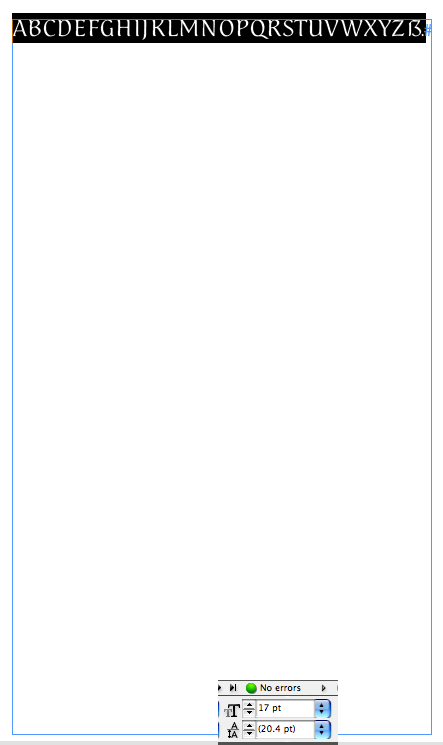
Here is a sample at 17pt which just gets to the end of the line so all is well:
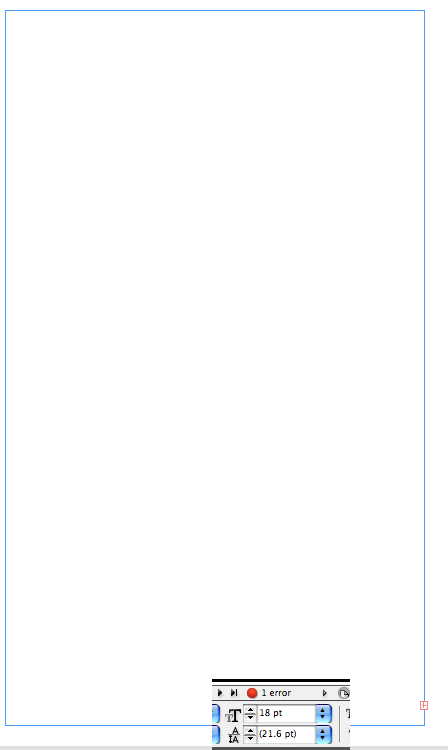
Here is a sample at 18pt, one size larger, notice all type has vanished, the red box is there even though there is an entire page full of space left, and the red dot tells me I have an overset problem: