
How do you make these images in Illustrator?
3D gradient blend on a path...YIKES
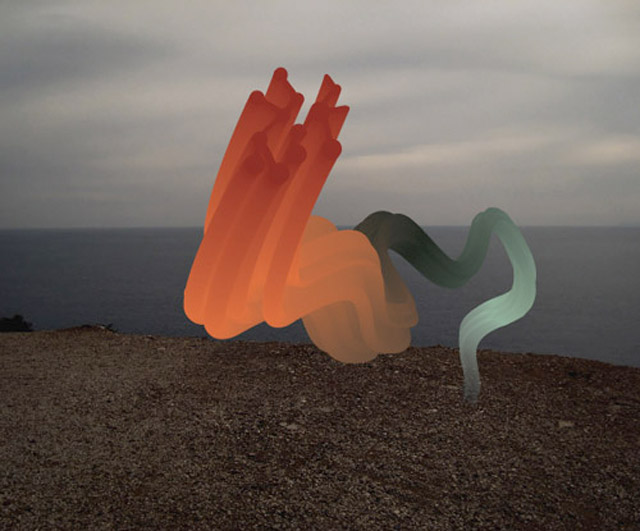
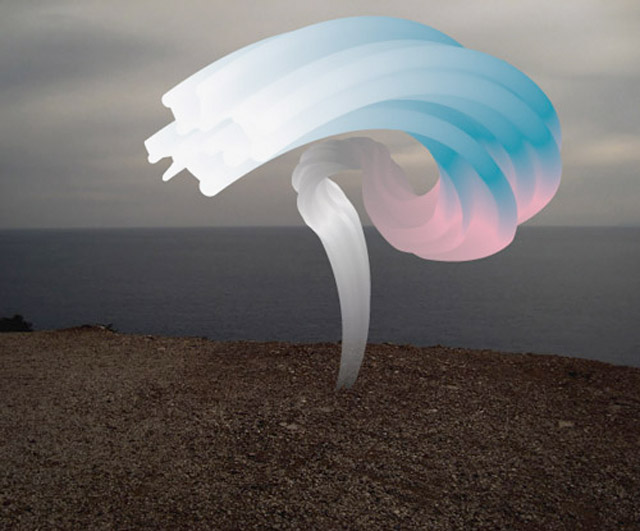
How do you make these images in Illustrator?
3D gradient blend on a path...YIKES

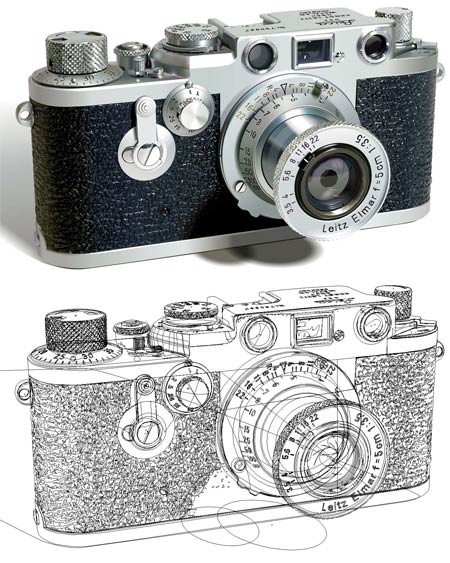
Gradient Mesh + patience & experience

That's not as bad as the photorealistic ones...

It’s actually pretty simple. Set up a shape with the gradient on it, set up the extruded path, and then wrap the blended shape over the 3D object using the “map art” option. Then tweak and update to get the gradient you want. Drawing a tapering 3D path is probably the most complex and time-consuming part of process, although I imagine that once you figure out how you’ll be able to do it in about five minutes.
Captured from web.archive.org on 8 Nov 2014. view this capture