
hey everyone...
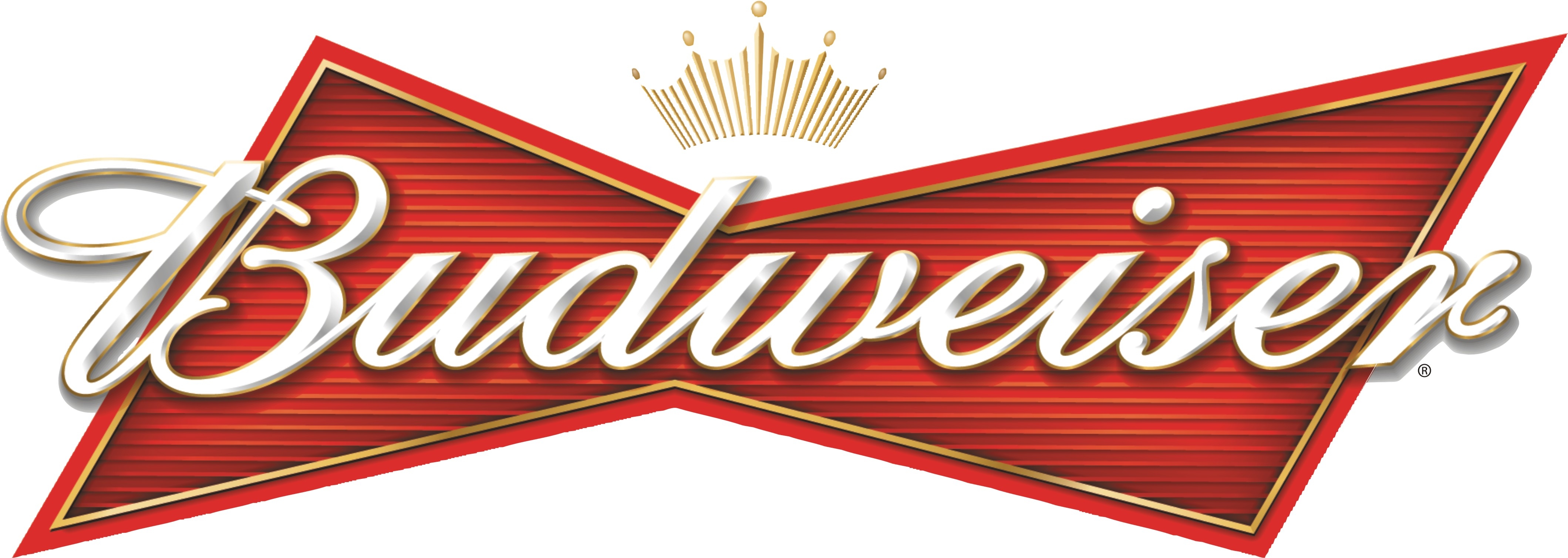
does anyone know how this bevel effect is achieved in illustrator?
cheers :)
hey everyone...
does anyone know how this bevel effect is achieved in illustrator?
cheers :)


Here's a quick take on how I'd do it.
No easy way out.
_____________________________________________
Personal Art and Design Portal of Ivan Gulkov
www.ivangdesign.com
hmm, good attempt...
so im guessing that it's a hand created effect that takes time...and not a one click thing.
cheers :)

Wow, that is one amazing plugin.
The plugin solution is nice, except that:
In Illustrator, Path Styler Pro is a raster effect.
Which kinda defeats the whole point of making your logo in illustrator :D
_____________________________________________
Personal Art and Design Portal of Ivan Gulkov
www.ivangdesign.com

That plugin looks like crap to me. One-click solutions are never the best solutions. Best to do things the “old fashioned” way and use your pathfinder tool to make your own bevels, highlights, etc.

I’m waiting for the random logo plugin.

There's always Illustrator's 3D Effect, which is not perfect... but it allows you to extrude and bevel, and map artwork. Adobe added it to Illustrator after discontinuing Dimensions.


The only decent vector bevel program I have ever used is a program for sign makers called SignLab. It created true vector bevels that were very impressive. It would have been easy to reproduce that Budweiser bevel since each prism of the bevel was a seperate vector object that could have a gradient applied to it.
yeh, looks like doing it manually with the pathfinder is the way.
Captured from web.archive.org on 21 Feb 2015. view this capture
