I've got a few general workflow related issues that I'd love to get some advice on. Any help is greatly appreciated.
I use FontLab 4 on Mac and the CS3 suite. I've customised a few typefaces directly in FontLab, but have always used illustrator to draw new ones, using various (hacked together) workarounds.
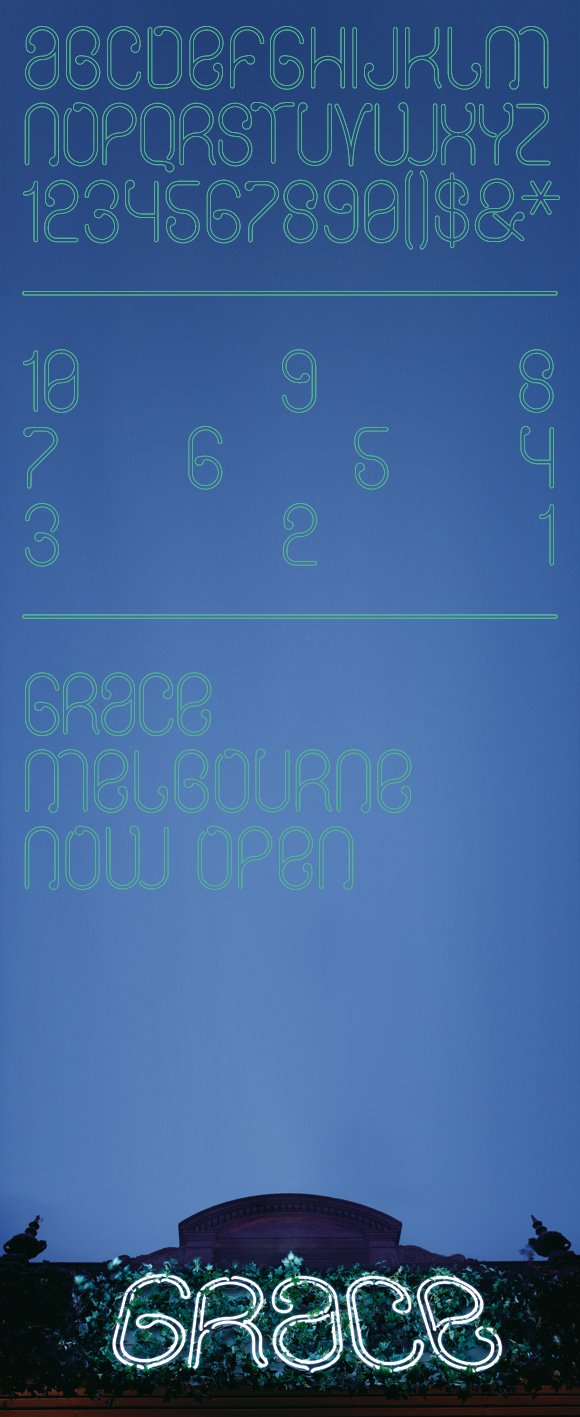
The last font I made (shown below) by opening an existing font, which was similar proportions, and copying and pasting my glyphs in, replacing the originals. This worked quite quickly and didn't require too much tweaking of the existing kerning. It was only after printing out some letters quite large that I realised nodes had been altered and some curves compromised during my copy/paste from illustrator. These were minor, but annoying and noticeable because it was an outline font.
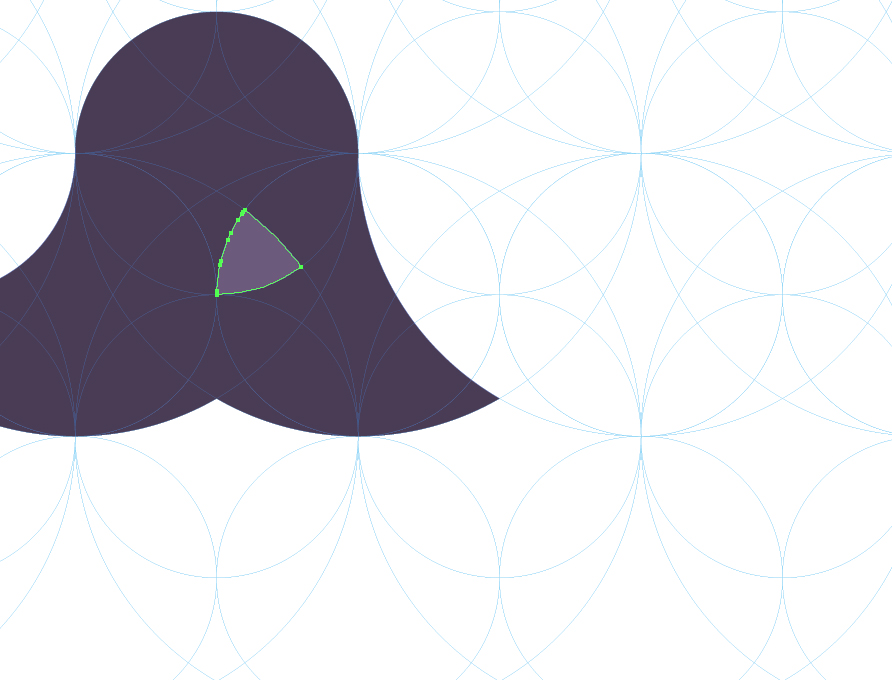
I do plan to start drawing directly in FontLab (is this the best option?) but have just created a typeface in illustrator that I would like to bring into FontLab. Because it is based on a complex grid (shown below), I created letters by using pathfinder to divide the grid into segments which I could then select and unite, quickly designing and keeping the perfect curves. Now I'm not sure what the best way to turn this into a font is. Redrawing on top of a grid in FL seems time consuming and inexact, is there a better way to work that will be quick and preserve my nodes/curves?