
hi everyone,
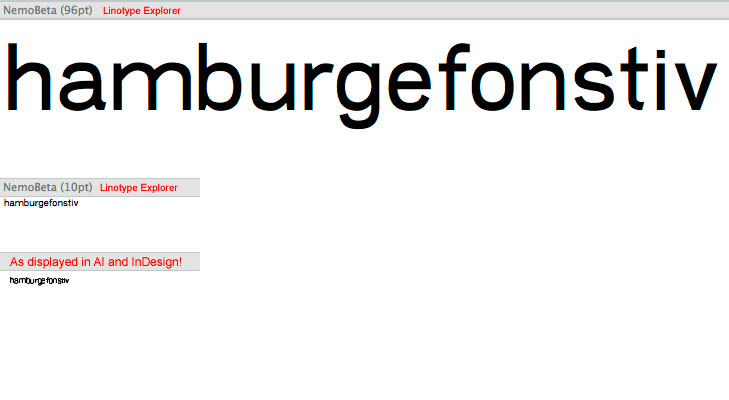
any idea why this (as shown in attachment) happens? i am hardcore newbie, but does this have to do something with the hinting, am i wrong?
hi everyone,
any idea why this (as shown in attachment) happens? i am hardcore newbie, but does this have to do something with the hinting, am i wrong?

Yes, that's hinting.
You need to define your alignment zones, to begin with.
Just open up some commercial fonts, and see how it's done.
hey nick, thanks alot. seems much better now! but, i was wondering, does this process allways has to be adjusted "by hand"? or is there a way to make a formula which would define the alignment zones automatically?
now that i have defined my alignment zones (i looked how they did it in helvetica, akzidenz and akkurat cases), what shall be the next step?
here is what i have defined.
primary:
-10, 0
480, 490
690, 700
secondary:
-210, -200

Captured from web.archive.org on 21 Oct 2013. view this capture