Hello,
I recently started working as a typesetter on study guides for insurance exams. I am working mostly with pre-set styles, but there is a lot of tweaking needed to make the formatting right.
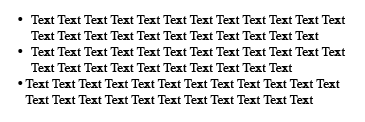
One of the problems I am having is with bulleted lists. There is already a style set up for the right bulleted list.
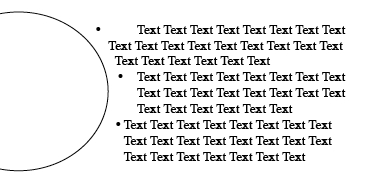
However, in these bulleted lists are also sub lists with en dashes. I cannot make the rest of the paragraph indent properly.
example:
o Item one
o Item two
- for example the second line
does not line up with the 1st line indent.
o Item one
- Does anyone know how to make the
rest of the paragraph indent.
Also if there is a way to set a style for these en dash - sub-points please let me know.
If anyone knows any good resources especially to do with hanging indents, setting tabs, and lists in Indesign CS I would be grateful.