I write a good number of papers for school and I would like to incorporate some of the good typographic style I’ve learned from Bringhurst. Specifically, I would like to take advantage of the OpenType features available in some of my good fonts.
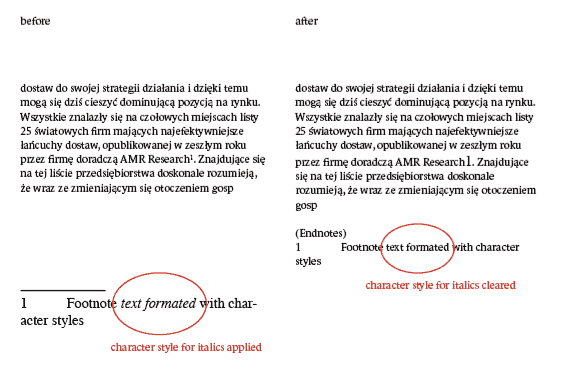
The problem is Microsoft Word doesn’t support the OpenType features, and I can’t write my papers in InDesign because it lacks some of the essential features of Word (e.g. Spell Check as you type, Thesaurus, Grammar check, etc). Besides, I’m much more comfortable using Word for the actual writing. However, I’ve become fairly familiar with InDesign’s robust type formatting options so when it comes time to take the type into consideration I would like to be able to use them. But when I import my Word documents into InDesign—or Illustrator for that matter—everything gets thrown in to one text block and I lose my page breaks, pagination, footnotes, etc.
So here’s my question: is there a way to import/open Word documents in InDesign or Illustrator and not lose any formatting?