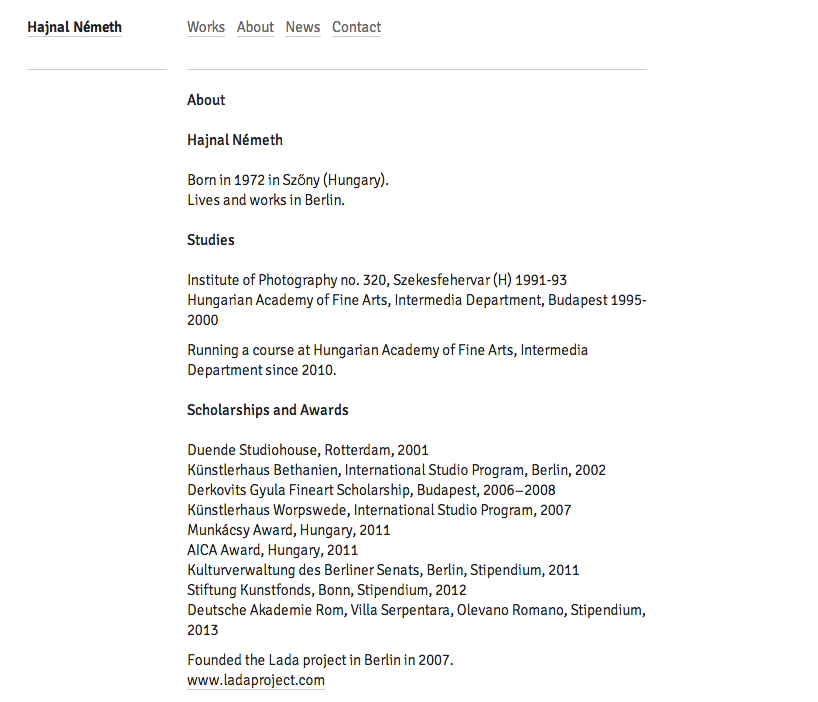
Anna Giedryś' Signika
Quoting R. from thos post
Here’s one handy thing to know: If you want to identify a webfont, you can select the text that uses it, right-click on your selection and then select ‘Inspect Element’ from the context menu (in Firefox and Chrome). The font name will be shown on the right-hand side in the panel at the bottom of the screen. You might want to click on the tab ‘Fonts’ in Firefox or ‘Computed’ in Chrome for a neater overview.
Other handy option for Chrome user only: Chrome WhatFont app by Chengyin Liu. Click the toolbar app icon and simply hover html text to reveal the webfont name.
Thank you, and thanks for the tip...
Captured from web.archive.org on 17 Mar 2015. view this capture